Bring the plan.
Sign in with your Soccer Growth Hub account, select your team, and download the game while connected. A one-time pairing code is an alternative for a shared coaching device.
Plan in the web Game Manager. Take the lineup to the field, manage a full game offline, and bring the results back to your coaching team.
Start planning on the webThe Android app is in testing. Public release is coming soon.
Download your match before kickoff. Run game and substitution clocks, manage changes, and record goals offline. Sync the results when you reconnect.
Optimized for tablets. Works on Android phones, too.
Explore Coach Pro →Try Android with your three free games at launch. Continue with Coach Pro or eligible club access for additional games.
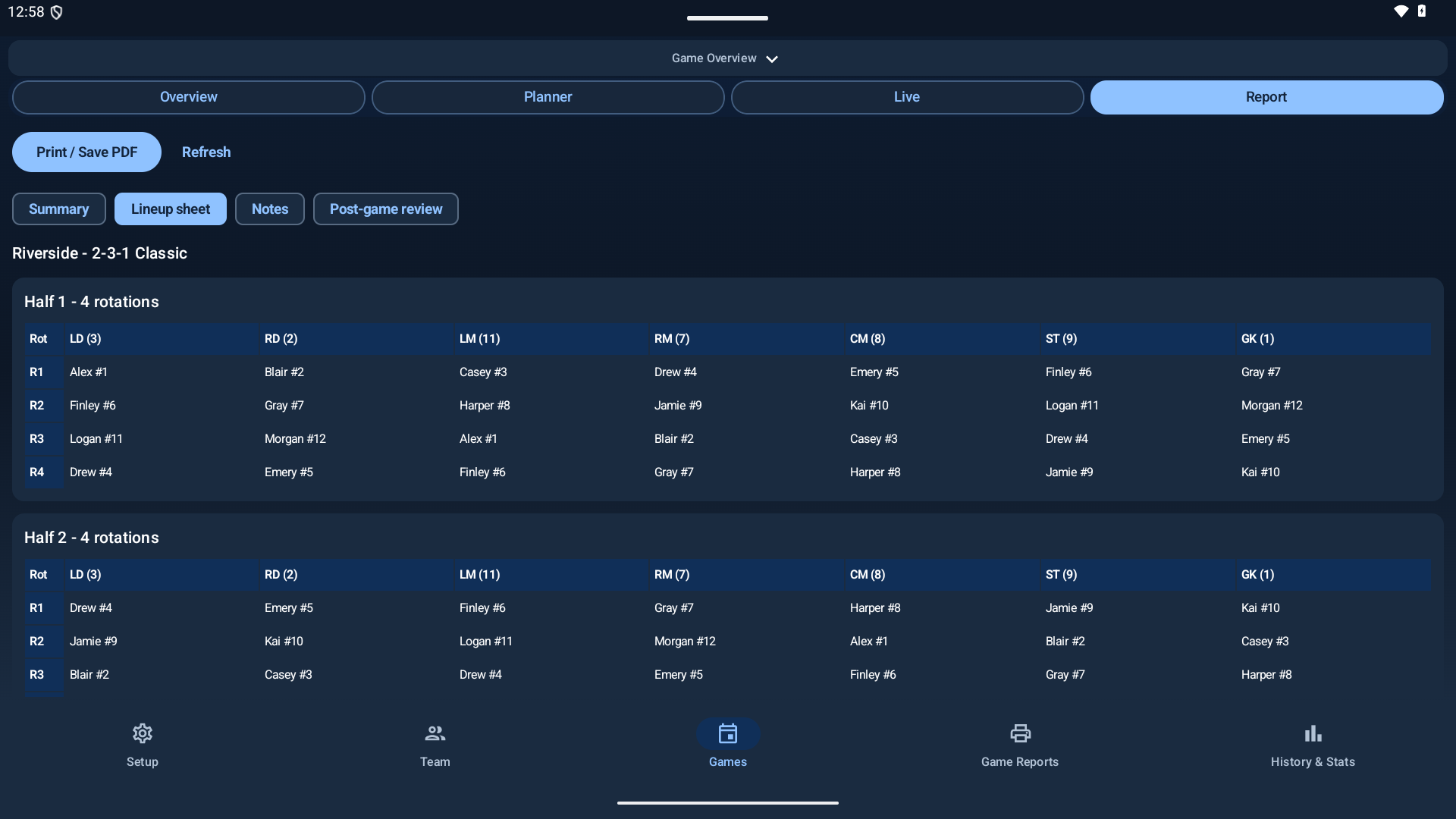
Sign in with your Soccer Growth Hub account, select your team, and download the game while connected. A one-time pairing code is an alternative for a shared coaching device.
Run game and substitution clocks, advance rotations, handle unplanned changes, and record goals and assists. One device controls the match at a time.
Review actual lineups, playing time, and match reports. Reconnect to sync the match record with your coaching team.
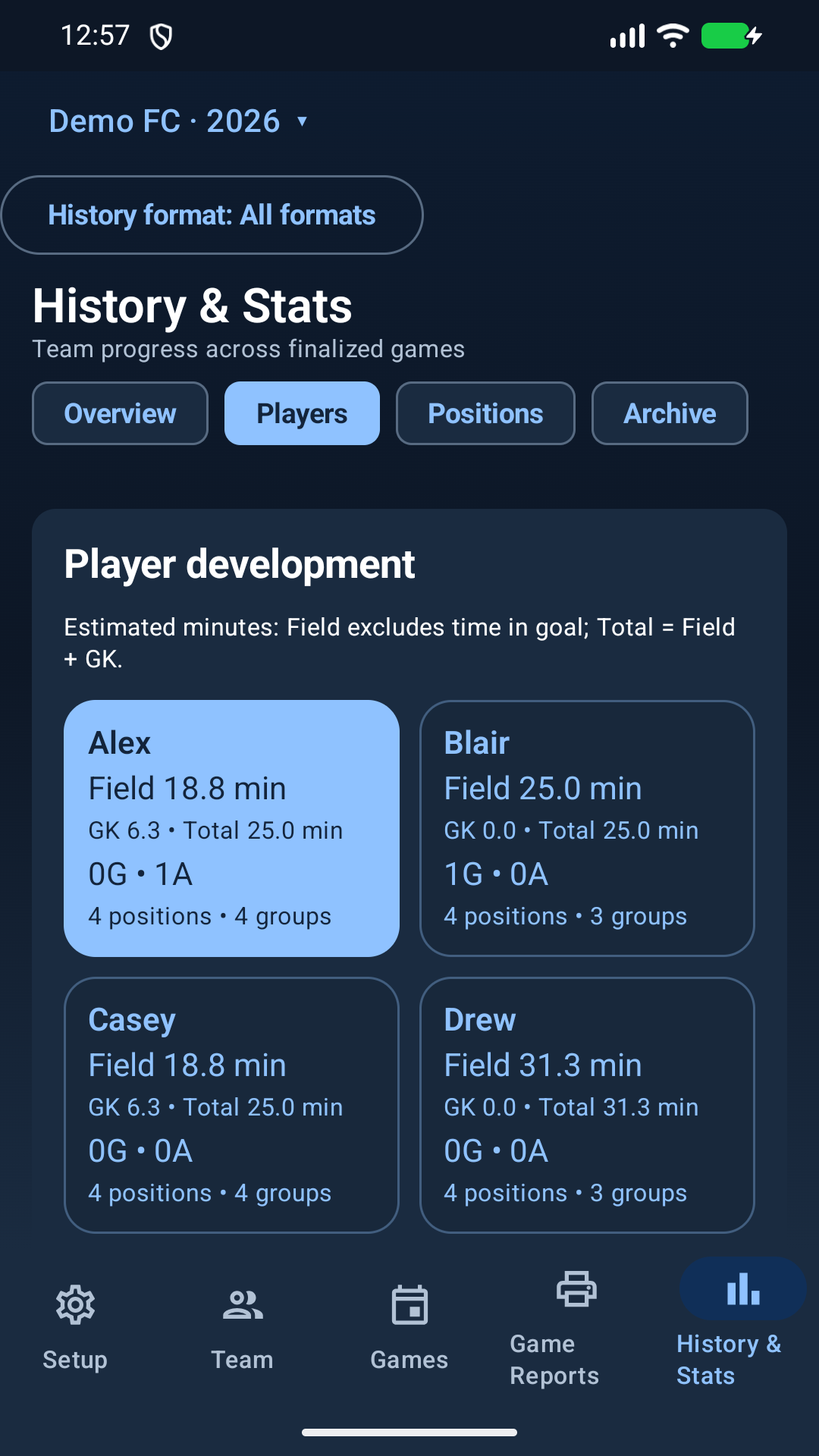
Coach Pro includes the Android companion at launch, with unlimited games for your allocated teams and invited staff. Android is also included in the three-game Free trial and eligible club access.
The same game uses one allowance across web and Android. After your three free games, Coach Pro or club access lets you activate more. Existing activated games, downloaded matches, and reports stay available.
Compare plansA tablet gives you more room to review the lineup at the field. Your Android phone can also manage the match and show reports.
Testing comes before the public release. We’ll add the Google Play download link here once production availability is confirmed. The app will be free to download; game access follows your account. No purchases are made inside the Android app.
Keep your existing installation and data. Follow the provided update instructions; do not uninstall to resolve an update problem.