Android phones and tablets
Download matches before kickoff. Coach offline, then reconnect to share results. Android 8.0 or newer on supported devices.
Android phones and tablets
One account, from planning to the sideline. Pro includes app and browser usage with no second subscription. Your three Free games and eligible club access work here too.
Free download. Google Play for supported Android phones and tablets (Android 8.0+); Amazon Appstore for compatible Fire tablets. Pro includes offline match management with the same account and no second subscription.
Download matches before kickoff. Coach offline, then reconnect to share results. Android 8.0 or newer on supported devices.
Android phones and tabletsThe offline companion for compatible Fire tablets. Sign in with your existing account; no additional subscription.
Fire tablets
No native iPhone or iPad app is planned. Use Game Manager in your browser. An internet connection is required, including during live games.
Open Game ManagerBrowser coaching controls are being expanded and tested on Apple devices. Offline downloads are available only in the Android and Fire apps.
Download your match before kickoff. Run game and substitution clocks, manage changes, and record goals offline. Sync the results when you reconnect.
Included with Pro: offline match management on supported Android phones and tablets, plus compatible Fire tablets. Use the same account with no second subscription.
Free to download. Try Android with your three Free games. Pro includes unlimited games for allocated teams; eligible club access works too.
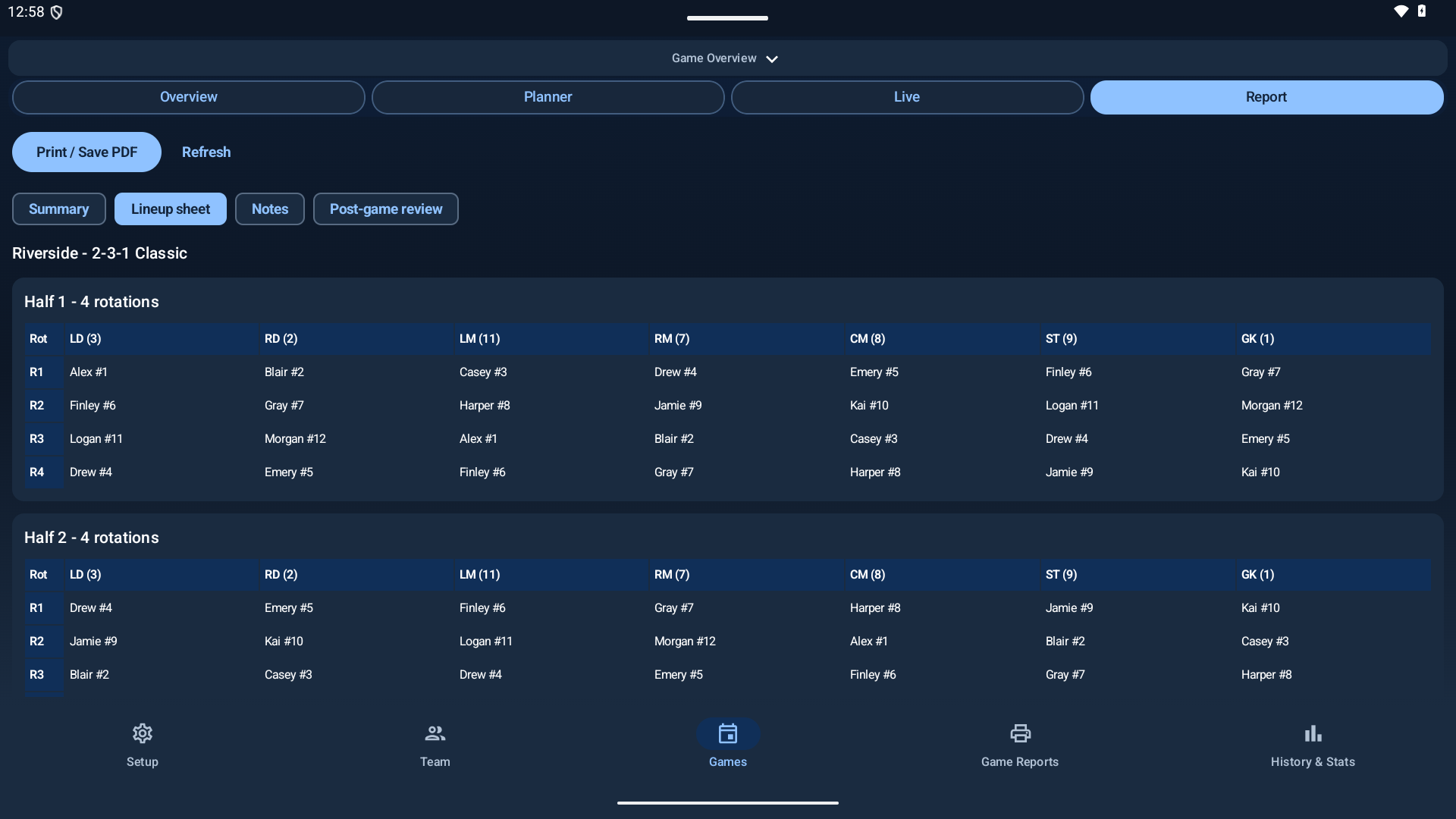
In Android Setup, sign in with the same email you use on the web. Select your team, then choose “Connect and download selected team”. No second subscription is needed.
While online, open the game, choose your lineup version, and use “Download for match”. Confirm this tablet controls the game. Only one device controls the official match at a time.
Run clocks, change players, and record goals without a connection. Reconnect to sync, then review actual lineups and field and goalkeeper minutes separately.
Sharing a club tablet? A coach can generate a one-time pairing code in web Game Manager → Access instead of signing in on the device.
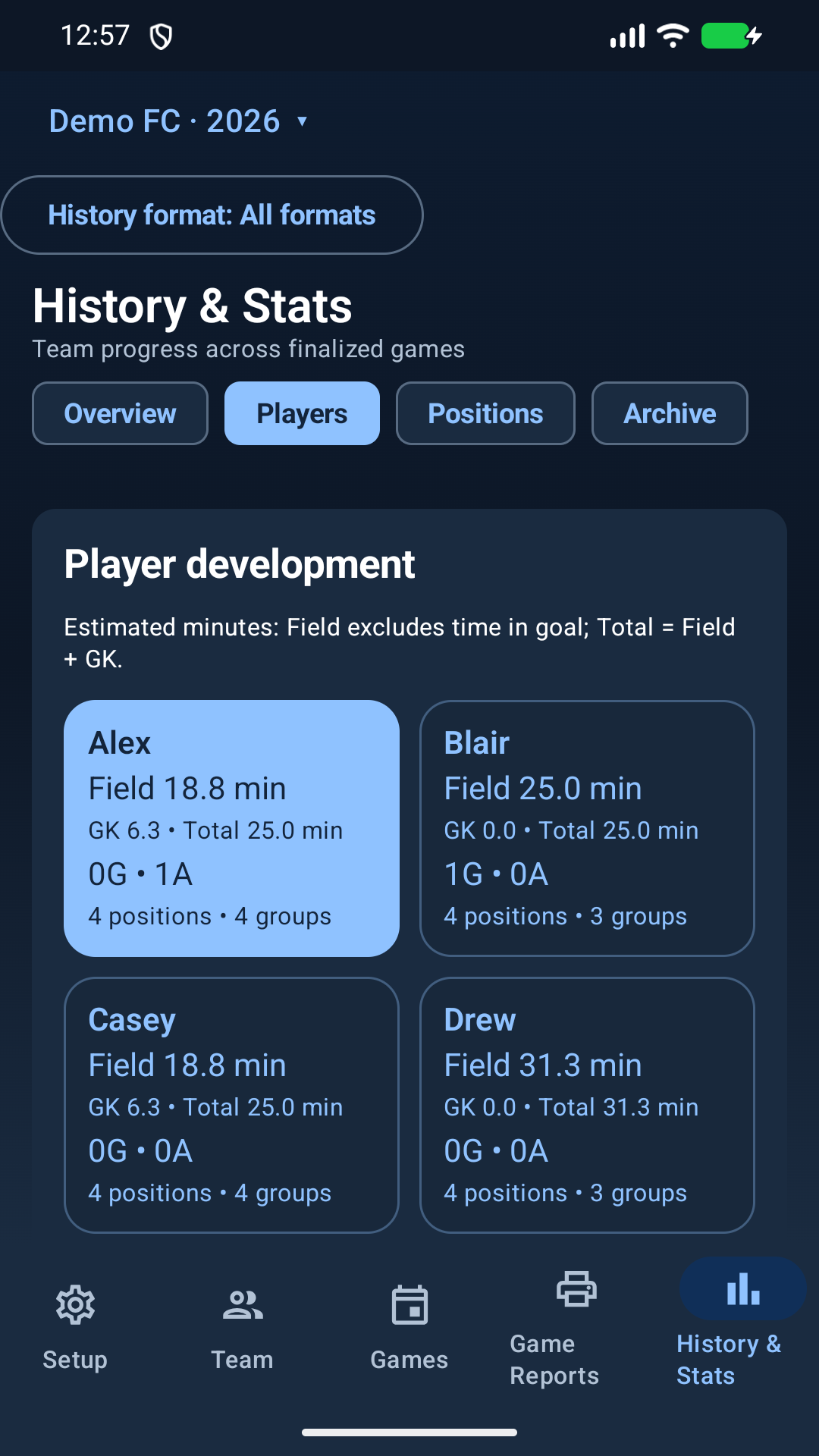
Pro includes access and usage of the Android and Fire tablet companion, with unlimited games for your allocated teams and invited staff. Your three Free games and eligible club access include the companion too.
The same game uses one allowance across web and Android. After your three free games, Pro or club access lets you activate more. Existing activated games, downloaded matches, and reports stay available.
Compare plansA tablet gives you more room to review the lineup at the field. Your Android phone can also manage the match and show reports.
Choose the store for your device above, then sign in to connect your team. The app is free to download. Game access follows your account. No purchases are made inside the Android app.
Use the Amazon Appstore badge above. It uses the same Soccer Growth Hub account and Pro or eligible club access, with no additional subscription. The Google Play link is for supported Android devices with Google Play, not Fire tablets.
Moving from a sideloaded Fire app? Amazon signs its app differently. Sync and export your existing data before migration. Contact support if installation fails; do not uninstall or clear an app with unsynced work.
Keep your existing installation and data. Follow the provided update instructions; do not uninstall to resolve an update problem.